Guides ›
Merge Games With No Download – Play on Phone, Chromebook or PC
Free merge games that run straight in your browser: no app store, no install, works on phones, tablets, Chromebooks and PCs.
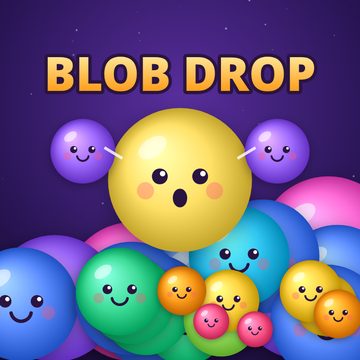 Blob Drop: Merge PuzzleDrop blobs, merge matching ones and reach the Galaxy Blob.▶ Play Blob Drop free
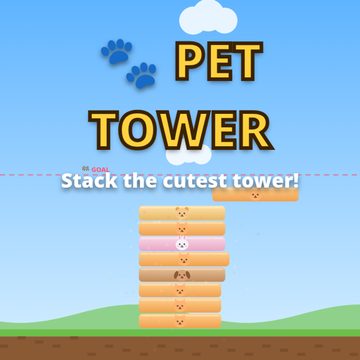 Pet Tower: Stack the PetsStack adorable pet blocks as high as you can — one tap to drop, nail perfect combos.▶ Play Pet Tower free
- Games
- Blob Drop (merge) · Pet Tower (stacking)
- Install
- None – runs in the browser
- Account
- None – progress saved on your device
- Input
- Touch, mouse and keyboard
Why play in the browser
Browser games start in a few seconds, take no storage space and work on devices where you cannot install apps, such as shared family tablets, work laptops or school Chromebooks. There is no update to download and nothing to uninstall afterwards.
Our merge game
Blob Drop is a physics drop-and-merge puzzle in the style of the watermelon game. It uses no image files: the blobs, the jar and the effects are drawn by the game itself, and the sounds are generated in the browser. That keeps it very small and quick to load even on mobile data. It works with touch, mouse or keyboard and fits both portrait phones and wide screens. New to it? Start with How to Play Blob Drop.
And a stacking game
Pet Tower is not a merge game, but it is made the same way – drawn in code, tiny, and playable with one tap. If you like short rounds, try it after Blob Drop: How to Play Pet Tower.
Does progress save without an account?
Yes. Progress is stored in your browser (local storage). In Blob Drop that includes your best score, coins, skins, today's goals and even the round in progress, saved every two seconds. In Pet Tower it includes your level, coins, pets, best score and streak. It stays on that device and browser; using another device, a private window or clearing site data starts fresh.
Tips for phones
Use portrait mode and press the fullscreen button next to the game for the biggest jar. In Blob Drop, keep your finger still for a moment before lifting it, so the blob drops exactly where the guide line shows. Both games stop the page from scrolling while you play, so you will not lose your place by swiping.
Tips for Chromebooks and PCs
Keyboard play is often more precise: in Blob Drop, use the arrow keys or A/D to aim and Space to drop; in Pet Tower, Space, Enter or the down arrow drops the block and P pauses.
FAQ
Do these games work offline?
You need a connection to load the page. Progress is saved locally in your browser.
Are there in-app purchases?
No. Coins are earned only by playing and are used for cosmetic skins and pets.
Which browsers work?
Any modern browser on phone, tablet or computer, such as Chrome, Safari, Edge or Firefox.
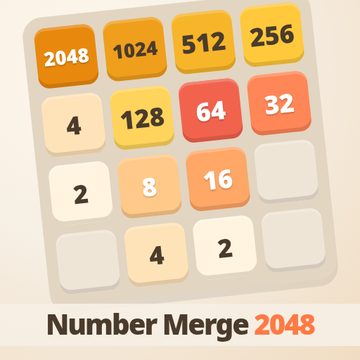 Number Merge 2048: Slide & Merge PuzzleSlide numbered tiles, merge equal pairs and build the 2048 tile — with undo and 4 themes.