Guides ›
One-Tap Games for Your Phone – Free, No Download
Simple one-tap and one-finger games that run in your phone browser: perfect for a queue, a commute or a coffee break.
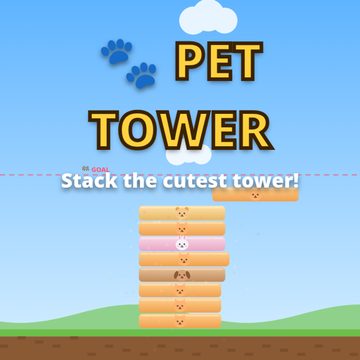 Pet Tower: Stack the PetsStack adorable pet blocks as high as you can — one tap to drop, nail perfect combos.▶ Play Pet Tower free
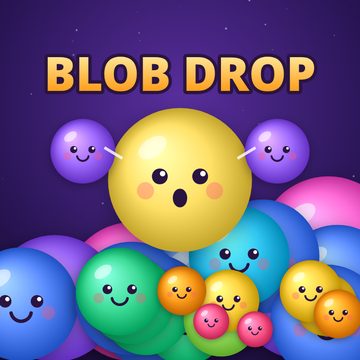 Blob Drop: Merge PuzzleDrop blobs, merge matching ones and reach the Galaxy Blob.▶ Play Blob Drop free
- One tap
- Pet Tower – tap to drop
- One finger
- Blob Drop – drag to aim, lift to drop
- Install
- None – runs in the phone browser
- Saves
- Automatically, on your device
What makes a good one-tap game
You should understand it in five seconds and want one more round after every game over. Short rounds, fair rules, a clear best score and a reward for getting better. It also has to respect real life: pause when you are interrupted, and remember where you were.
Pet Tower – truly one tap
Tap anywhere to drop the sliding pet block onto the tower. That is the whole control scheme. What makes it more than luck is the perfect drop: line the block up within 4 pixels and it keeps its full width, and three in a row make it grow back. Levels have a goal line – Level 1 needs only 10 floors – so rounds are short, and the Daily Challenge gives you one fresh endless tower per day. If a call comes in, tap ⏸ – or just switch apps: the game pauses itself when the tab is hidden. Tips: Perfect Drop Guide.
Blob Drop – one finger
Drag to aim and lift to drop. A guide line shows exactly where the blob will fall, and the NEXT box shows what comes after it. Rounds can be short or very long, and they save automatically every two seconds and whenever you leave the tab, so you can stop at any time and press CONTINUE later. Start with How to Play Blob Drop.
Playing comfortably on a phone
Hold the phone in portrait mode – both games are designed for it. Use the fullscreen button on the game page for the largest play area. Both games stop the page from scrolling while you play, so a swipe will not move the page. If you are somewhere quiet, both have a mute button.
Battery and data
Both games are tiny and draw everything in code instead of loading image files, so they load fast on mobile data. Pet Tower pauses its game when you switch away, and both save your progress locally on the phone. More in Merge Games With No Download.
FAQ
Do I need an app?
No. Open the game page in your phone browser and play.
Will I lose progress if I close the browser?
No. Both games save on your device. Clearing browser data or using a private window resets it.
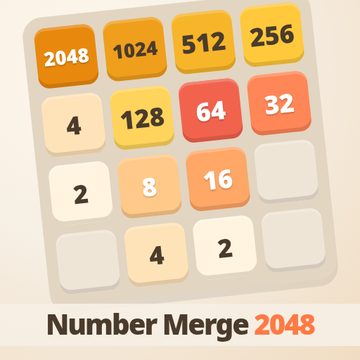 Number Merge 2048: Slide & Merge PuzzleSlide numbered tiles, merge equal pairs and build the 2048 tile — with undo and 4 themes.